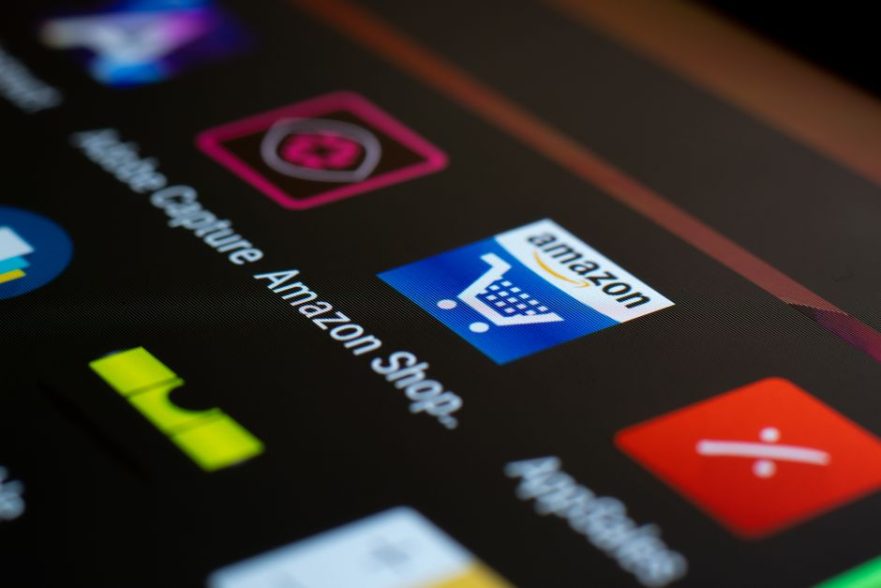
Amazon dominates online retail with millions of sellers and a vast fulfilment network, but independent retailers can still capture valuable search traffic through Google Shopping. Google Merchant Center is the tool that gets your products into Google Shopping results, free listings, YouTube, and more. By applying a few targeted optimisation strategies, you can make your product data stand out, improve click-through rates, and compete more effectively against Amazon’s presence in search results. Below are practical, research-backed tips to help you get the most from Merchant Center.
Use Amazon Multi-Channel Fulfilment Integration for Faster Delivery
If you already sell on Amazon and use Amazon Multi-Channel Fulfilment (MCF), you can now connect that warehouse network directly to Google Merchant Center. This integration automatically populates accurate delivery speed estimates on your Google Shopping listings, including a 3-day fast delivery badge. To enable it, fill in the intake form inside Amazon Seller Central and provide your website URL and Merchant Center ID. The benefits are clear: Google estimates that US merchants offering free shipping with delivery in three days or less see a 1.5% to 7.6% increase in clicks and a 1.9% to 7.2% increase in conversions on Shopping ads (data from June 2024). This feature levels the playing field against Amazon’s own Prime shipping promises.
Optimise Product Titles with Keywords Up Front
Product titles are one of the most influential fields in your product feed. Google uses them to match user search queries, and the first few words carry the most weight. Place your main keyword early in the title, followed by distinguishing attributes such as brand, colour, size, or material. For example, “Men’s Leather Wallet – RFID Blocking, Slim Bifold – Black” is far more effective than “Black Wallet for Men”. Well-structured titles help your products appear for the searches that matter most, giving you a chance to attract shoppers who might otherwise click on Amazon listings.
Upload High-Quality Product Images
Google requires product images to be at least 100×100 pixels for non-apparel items and 250×250 pixels for apparel. To maximise appeal, use a white, gray, or light-coloured background and avoid promotional text or watermarks. Clear, professional images that show the product from multiple angles can dramatically improve click-through rates. When a user sees a crisp photo alongside Amazon’s standard product images, a well-lit, detailed image on your listing can tip the decision in your favour.
Enable Product Reviews and Ratings
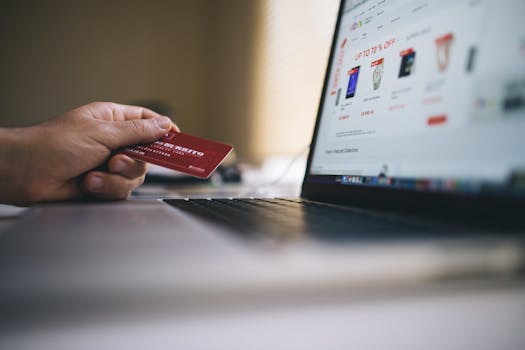
Shoppers trust feedback from real buyers, and Google Shopping listings that include product reviews tend to earn higher click-through rates. Merchant Center allows you to submit product reviews through a Google-approved third-party aggregator. If you already collect reviews on your own site, consider working with a certified partner to feed that data into Google. The stars and review count that appear on your Shopping ads provide social proof that can help you compete with Amazon’s extensive review ecosystem.
Leverage Promotions, Sale Labels, and Price-Drop Annotations
Merchant Center lets you mark up your feed with promotions such as “sale”, “price drop”, and merchant-funded offers. These annotations appear directly on your Shopping listings and can significantly improve click-through rates. If you run a limited-time discount or free shipping offer, be sure to configure the promotion in Merchant Center. Shoppers comparing prices between your site and Amazon may be swayed by a visible sale badge, especially if your total price (including shipping) is lower.
Apply for the Top Quality Store Badge
Google awards a “Top Quality Store” badge to retailers that deliver an exceptional experience across four areas: shipping experience, return experience, browsing experience, and purchase experience. The badge is automatically evaluated and is not something you can apply for manually, but you can work toward it. Focus on fast, reliable shipping, clear return policies, a smooth checkout process, and an easy-to-navigate website. When you earn the badge, your listings stand out with a trusted icon, helping to build confidence that rivals Amazon’s trusted reputation.
Use Local Inventory Ads to Drive Foot Traffic
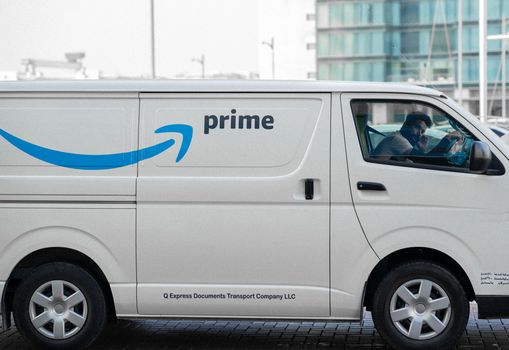
If you operate a physical shop, Local Inventory Ads can give you a competitive edge. When a shopper searches for a product within approximately 48 km of your store, Google displays an “in-stock nearby” badge on your listing. This encourages local buyers to visit rather than order from Amazon with next-day delivery. Even if Amazon dominates online, you can win the immediate-need customer by showing availability at your store.
Take Advantage of Free Listings
Google Merchant Center offers free listings that appear across Google Search, Images, Lens, YouTube, Gemini, the Shopping tab, and Business Profile – all without auction-based bidding. Submitting your product feed unlocks these placements at no additional cost. This is especially valuable when competing against Amazon, because it gives smaller retailers visibility in surfaces where Amazon’s own free listings may not appear. Ensure your feed is complete and updated regularly to maximise eligibility for these free slots.
Monitor Insights to Refine Inventory and Promotions
Merchant Center provides performance insights that show which products are getting impressions and clicks, and which promotions are driving transactions. Use this data to decide which items to hold in stock and where to focus your marketing spend. If a particular product consistently underperforms, consider adjusting its title, image, or price. The insights can also reveal seasonal trends or shifts in demand, allowing you to react faster than competitors who rely solely on Amazon’s marketplace data.
Adapt to Amazon’s Exit from Google Shopping
In a significant shift, Amazon has exited Google Shopping. As of August 2025, Amazon’s product listings no longer appear in Google Shopping results. This means less direct competition for the same Shopping ad space. Marketers should monitor their cost-per-click and impression share closely and consider increasing budgets strategically to capture the traffic Amazon previously occupied. The gap creates an opportunity for independent retailers to gain more visibility and conversions on Google Shopping.
Compare Your Approach: Google Shopping vs Amazon
Google Shopping aggregates products from thousands of sellers, letting shoppers compare prices and options in one place. Amazon, with its vast catalogue and fulfilment network, still holds a loyal customer base. However, Google Shopping ads allow you to target users based on search intent, keywords, and behaviour, while giving you detailed analytics to refine your campaigns. Amazon’s advertising reaches a high-intent audience actively shopping, but your Merchant Center feed can help you intercept that intent before the shopper clicks to Amazon. By using the tips above, you can make your Google Shopping presence more compelling and cost-effective.
Frequently Asked Questions
How does Google Merchant Center help me compete with Amazon?
Google Merchant Center gets your products into Google Shopping and other Google surfaces where shoppers search. By optimising your feed with clear titles, quality images, reviews, promotions, and fast shipping data, you can attract traffic that might otherwise go to Amazon. Features like Local Inventory Ads and free listings also give you unique advantages.
Do I need to use Amazon Multi-Channel Fulfilment to benefit?
No, but the MCF integration is a powerful option if you already fulfil orders through Amazon. It provides automatic delivery estimates and a 3-day badge, which can improve click-through rates. If you use your own fulfilment, focus on offering clear shipping times and free delivery where possible.
Can I earn a Top Quality Store badge for my site?
You cannot apply for it directly. Google automatically evaluates your store’s shipping, return, browsing, and purchase experiences. If all four are rated exceptional, the badge may appear on your Shopping ads. Work on improving each area to increase your chances.
Will using these tips guarantee more sales?
No single tip guarantees specific results, but following best practices can improve your visibility and click-through rates. Results depend on your product category, pricing, customer service, and overall competitiveness. Consistent optimisation and data analysis will give you the best chance of success.
What should I do now that Amazon has left Google Shopping?
Monitor your impression share and CPC, and consider increasing your budgets to capture the traffic Amazon previously occupied. This change reduces direct competition in Shopping ads, so retailers who optimise their Merchant Center feed now may see improved performance.