
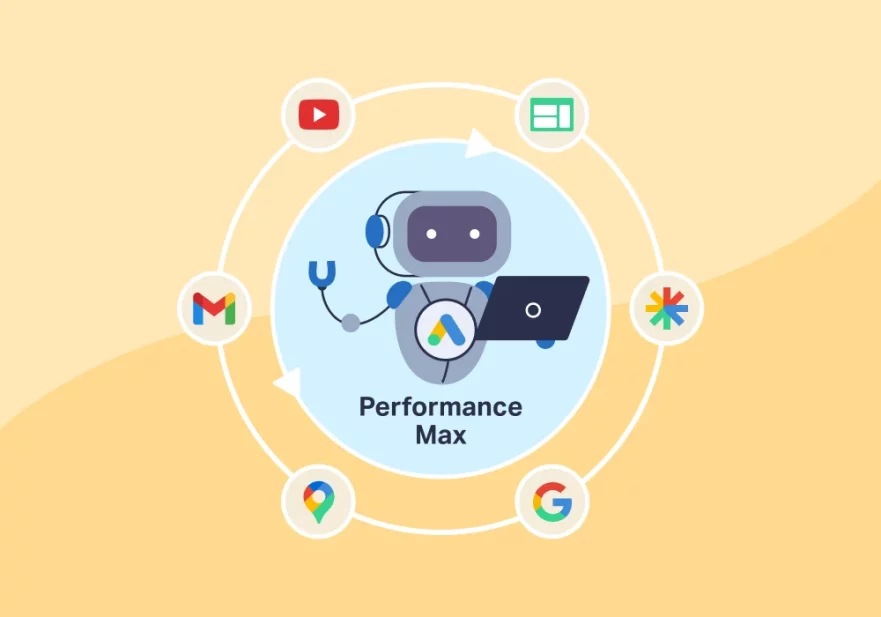
Trusting Automation Without Oversight
One of the most common mistakes is assuming that PMax’s automation will handle everything perfectly without any human input. While machine learning is powerful, it still requires strategic direction and regular review. Treating the campaign as a “set‑and‑forget” tool often leads to wasted spend on irrelevant placements or poor‑performing assets.
To avoid this, review placement reports and search term insights regularly. Use brand exclusions to stop your ads showing on undesirable sites, and check search term data to identify irrelevant queries that are triggering your ads. Automation works best when guided by an experienced PPC specialist who can interpret the data and make informed adjustments.
Launching Without Audience Signals
Another frequent error is starting a PMax campaign with no audience signals at all. Audience signals tell Google’s algorithm which types of users to prioritise. Without them, the campaign can waste budget showing ads to people who are unlikely to convert.
Effective audience signals might include customer lists, website visitors, or in‑market segments relevant to your UK business. Even a basic signal, such as a list of past purchasers, helps the algorithm learn faster. If you are a small‑to‑medium‑sized business with a minimum monthly ad spend of £5,000, you cannot afford to let the machine guess who your best customers are from scratch.
Bundling Too Many Asset Groups Into One Campaign
Creating a single PMax campaign with multiple asset groups is a mistake that hinders Google Ads performance. When you bundle products or services with very different conversion paths into one campaign, the algorithm struggles to allocate budget effectively. One asset group may cannibalise spend from another, and you lose the ability to optimise at a granular level.
Instead, structure your campaigns around clear themes or product categories. For example, a Shopify ecommerce business might create separate PMax campaigns for high‑margin products, clearance items, and new arrivals. This gives you better visibility into what is working and allows you to adjust bids and creative assets for each group independently.
Ignoring Brand Cannibalism
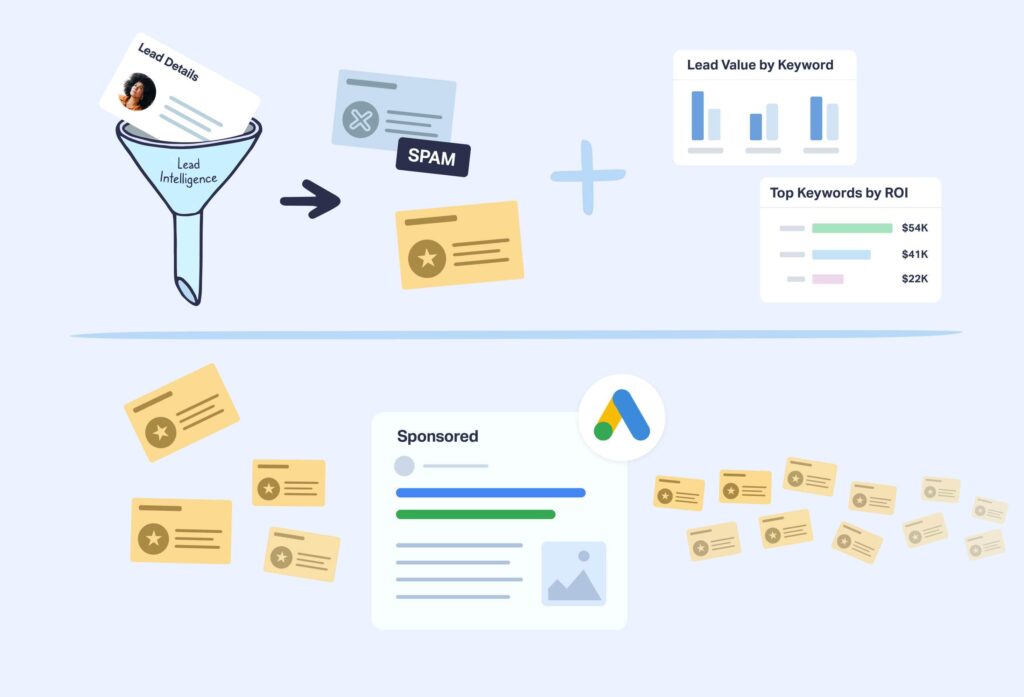
Brand cannibalism is one of the most common issues seen in PMax accounts. Because PMax runs across all Google channels, including Search, it can easily compete with your own branded campaigns. Without a brand exclusion strategy, your PMax campaign may show ads for your brand name, driving up costs and stealing clicks that would have converted organically or through cheaper branded search ads.
The fix is to add brand keywords as negative keywords in your PMax campaign. This ensures that when someone searches for your business name, they see your dedicated branded campaign instead of a more expensive PMax ad. Many ecommerce brands overlook this step, but it is critical for controlling cost per acquisition and protecting your overall account structure.
Poor Product Grouping and Feed Management
Performance Max relies heavily on your product feed for Shopping ads. A common mistake is not grouping products properly or neglecting feed optimisation. If your feed has missing attributes, incorrect prices, or vague titles, the algorithm cannot match your products to the right searches.
Audit your product feed regularly. Ensure every item has a clear title, accurate description, correct category, and high‑quality image. Use custom labels to group products by margin, seasonality, or best‑selling status. This allows you to set different bidding strategies for different product groups within a single PMax campaign. Poor feed management undermines the entire campaign, no matter how well you set up audience signals.
Letting URL Expansion Get Out of Control
URL expansion is a PMax feature that allows Google to use any page from your website as a landing page. While this can help the algorithm find relevant destinations, it often leads to problems. Without proper controls, your ads may send traffic to thin content pages, blog posts, or out‑of‑stock product pages, resulting in high bounce rates and wasted spend.
To prevent this, specify exactly which URLs you want the campaign to use. Turn off URL expansion if you have a limited set of landing pages that are optimised for conversions. For ecommerce sites, ensure that your feed URLs point to live product pages with clear calls to action. Regularly review your landing page performance and remove any URLs that are generating poor conversion rates.
Weak Landing Pages and Creative Assets
Even with perfect campaign settings, weak creative assets can kill conversions. Many advertisers focus only on the campaign structure and forget about the user experience after the click. Common problems include landing pages that load too slowly, forms that are too long, or calls to action that are unclear.
Equally important are the headlines, descriptions, images, and videos you provide for your asset groups. PMax will test different combinations, so you need to supply a strong set of assets. Include at least five headlines, five descriptions, and three images per asset group. Test variations that highlight your unique selling points, such as free delivery, UK‑based customer service, or fast turnaround. A data‑driven approach to creative testing can significantly improve your click‑through and conversion rates.
Using the Wrong Bidding Strategy
Selecting the incorrect bidding strategy is a mistake that directly impacts your return on ad spend. Many advertisers default to Maximise Conversion Value without considering whether their conversion tracking is set up correctly. If your conversion data is incomplete or inaccurate, the algorithm will optimise towards the wrong goal.
For most UK businesses, starting with Maximise Conversions (with a target CPA) or Maximise Conversion Value (with a target ROAS) is sensible, but only after you have a solid history of conversion data. Without that history, consider using a simpler strategy like Maximise Clicks for a short period to gather data, then switch to a value‑based approach. Always monitor your target CPA or ROAS and adjust as performance stabilises.

Neglecting Regular Audits and Optimisation
Performance Max campaigns require ongoing attention, not a one‑time setup. A common mistake is to launch the campaign and then rarely check its performance. Google’s machine learning can change behaviour over time, and without regular audits, you may miss opportunities or spend money on underperforming channels.
Set a schedule for weekly or bi‑weekly reviews. Look at search term reports, placement reports, and asset group performance. Pause low‑performing assets and add new ones. Adjust audience signals based on recent conversion data. If your account is managed by a specialist PPC agency, these audits should be part of your standard service. For those managing in‑house, consider using automated reporting tools to stay on top of changes.
The key takeaway is that Performance Max is a powerful tool, but it is not a replacement for skilled campaign management. By avoiding these common mistakes, UK advertisers can achieve better results, lower costs, and a clearer understanding of what drives conversions in their accounts. If you are struggling with your PMax campaigns and want to improve your return on investment, it may be time to partner with experts who specialise in Google Ads management services for ecommerce and local service businesses.
Frequently Asked Questions
What is the biggest mistake advertisers make with PMax campaigns?
The single most frequent mistake is trusting automation without oversight. Many advertisers launch a campaign and never review placement reports, search terms, or asset performance. This leads to wasted spend and missed optimisation opportunities. Regular audits are essential to keep the campaign aligned with your business goals.
How can I stop brand cannibalism in my PMax campaigns?
Add your brand name and common brand misspellings as negative keywords at the campaign level. This prevents PMax from showing ads for branded searches. Ensure your dedicated branded search campaign remains active and uses a lower cost‑per‑click strategy. Brand exclusions are a simple but critical step for protecting your account structure.
Do I need audience signals for a new PMax campaign?
Yes. Even a basic audience signal, such as a list of past customers or website visitors, helps Google’s algorithm understand who to target. Without any signals, the campaign may take much longer to learn and may waste budget on irrelevant users. Adding audience signals is one of the most effective ways to accelerate campaign performance.
How often should I review my PMax campaign performance?
At least once a week. Check search term reports, placement reports, and asset group data. Look for new irrelevant queries to add as negatives, and pause any underperforming creative assets. Regular reviews help you catch problems early and make incremental improvements that add up over time.
Should I use URL expansion in my PMax campaigns?
Use URL expansion with caution. If your website has many pages that are not optimised for conversions, turn it off and specify exact landing pages. For ecommerce stores, ensure your feed URLs point to live product pages. Review landing page performance regularly and remove any URLs that cause high bounce rates.